本文档是关于 审友云 账户体系后端说明文档,主要内容包括智能审计系统的代码仓库、开发期、打包方式、产品部署和线上环境等信息。
代码仓库
仓库地址:
| 名称 | 地址 | 分支 |
|---|---|---|
| 智能审计前端代码 | http://10.2.112.21:30003/auditcloud/smart-audit-fe (opens in a new tab) | master |
| 智能审计后端代码 | http://10.2.112.21:30003/auditcloud/smart-audit-service (opens in a new tab) | master |
开发期
- 先启动后端服务,默认运行端口为 8080
- 运行
npm run dev启动前端项目,若后端端口做了修改,则需要同步修改前端项目的.env.development文件中的端口
打包方式
人工打包配合流水线打包
流水线访问地址:http://10.2.112.80:18111 (opens in a new tab),用户名密码:admin/admin
后端项目
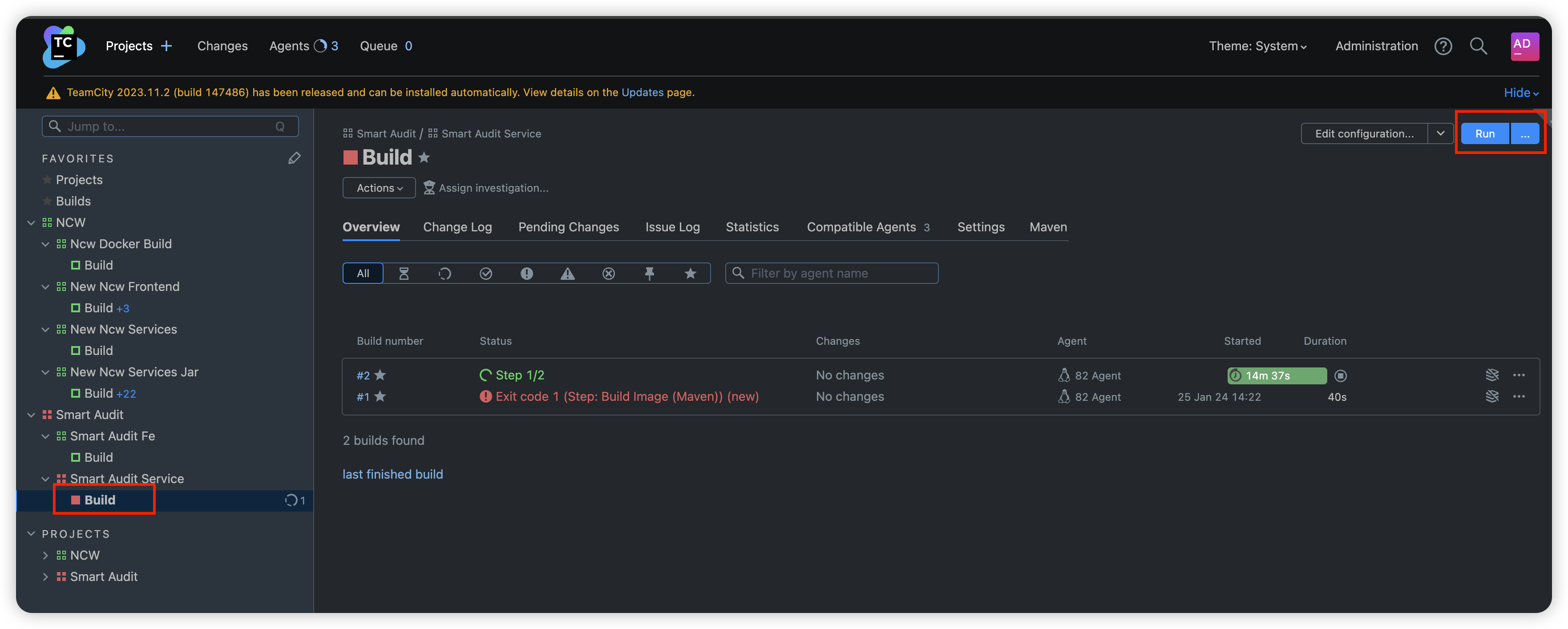
访问流水线系统 http://10.2.112.80:18111/buildConfiguration/SmartAudit_SmartAuditService_Build (opens in a new tab),点击 Run 运行流水线,等待流水线运行完毕即可。
对应镜像名:10.2.112.21:30050/auditcloud/smart-audit
前端项目
1、运行 npm run build:prod 命令打包前端项目,并将 dist 目录提交到代码仓库
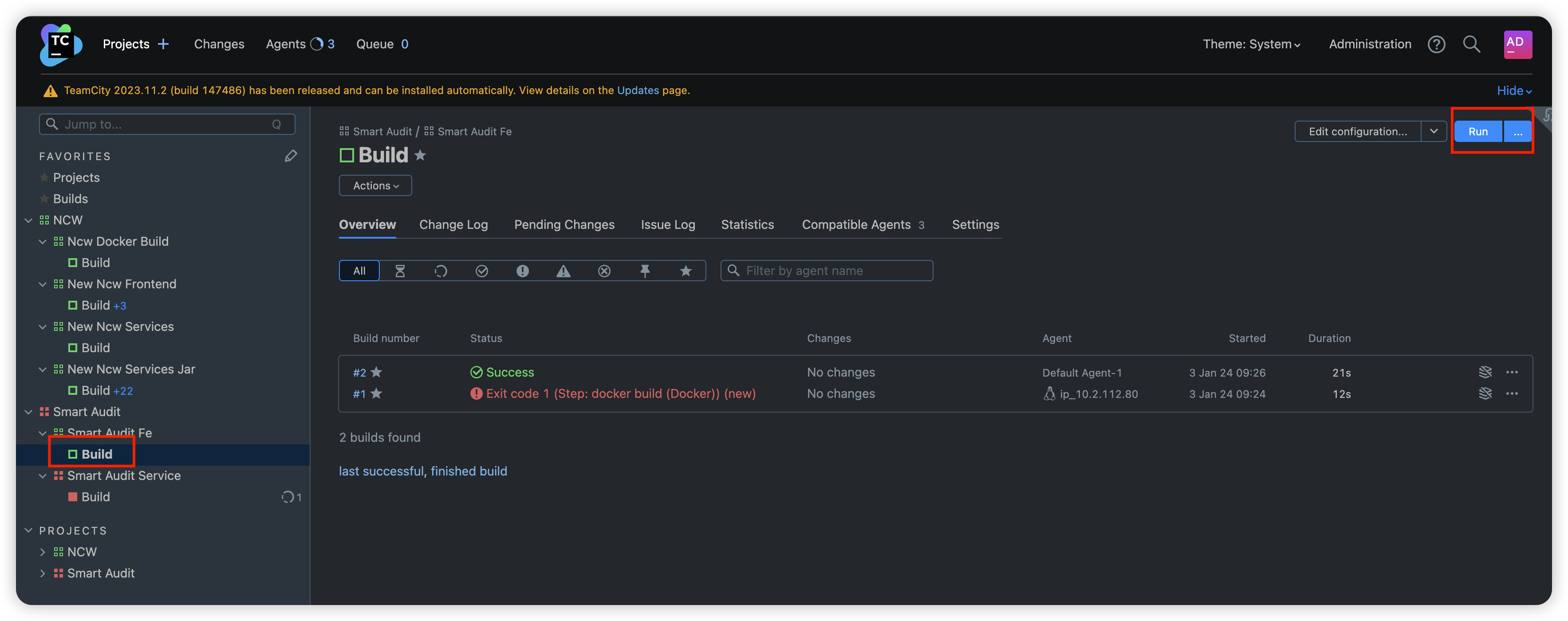
2、访问流水线系统 http://10.2.112.80:18111/buildConfiguration/SmartAudit_SmartAuditFe_Build,点击 (opens in a new tab) Run 运行流水线,等待流水线运行完毕即可。
对应镜像名:10.2.112.21:30050/smart-audit/smart-audit-front
产品部署
Rancher 部署方式
部署
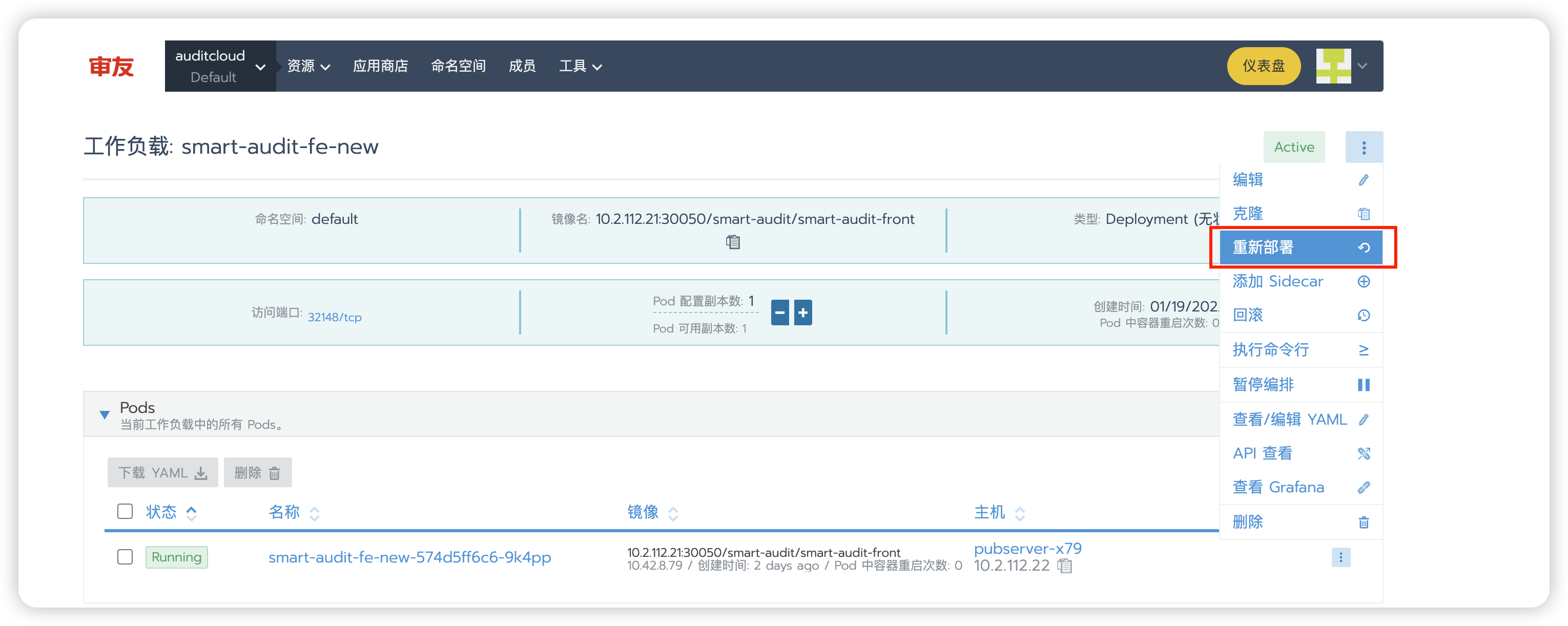
打包完毕后要去 Rancher 手动点击重新部署才生效
线上环境
https://saas.yonyouaud.com/ (opens in a new tab)
操作
用户管理菜单位置 https://saas.yonyouaud.com/manage/client-info (opens in a new tab)
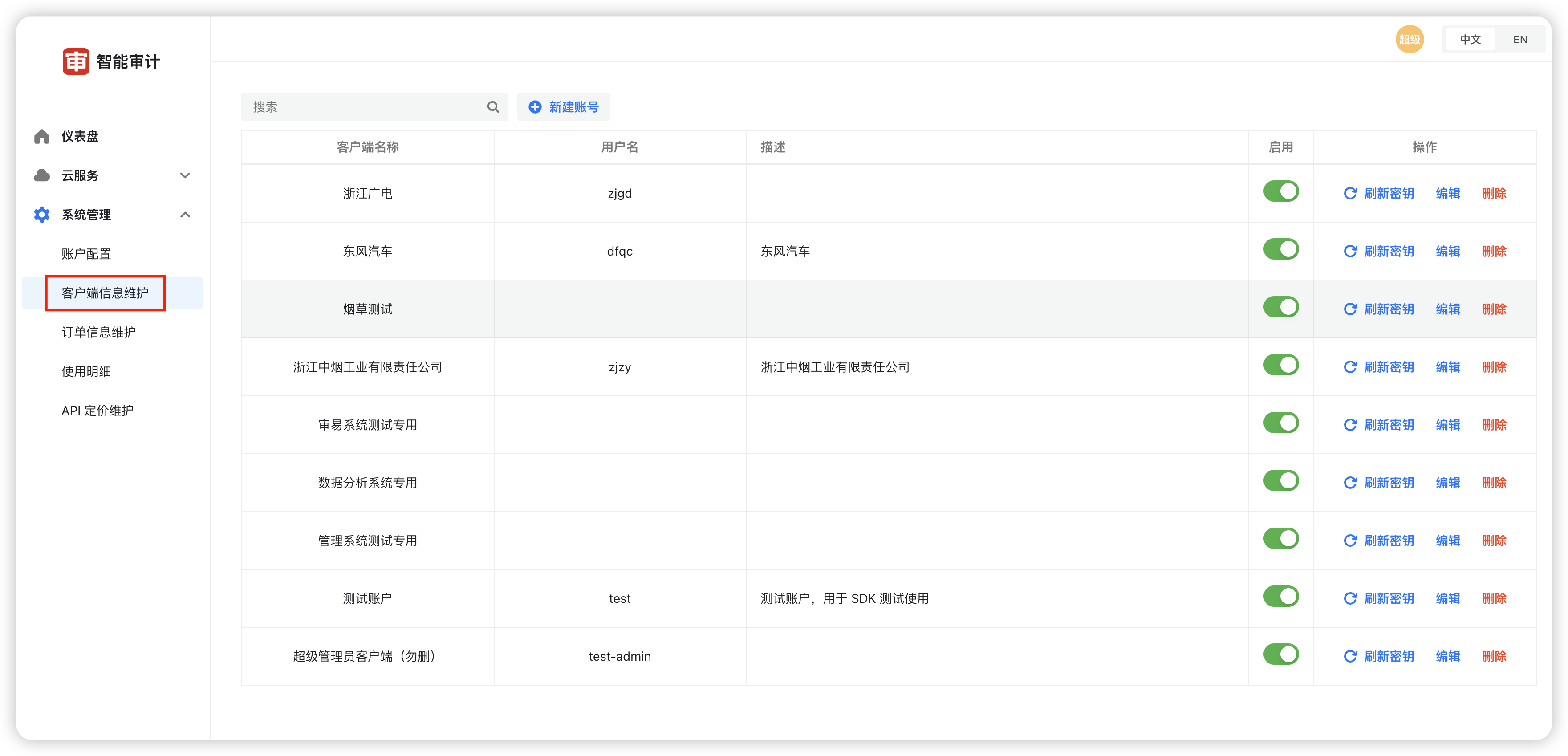
修改账号信息
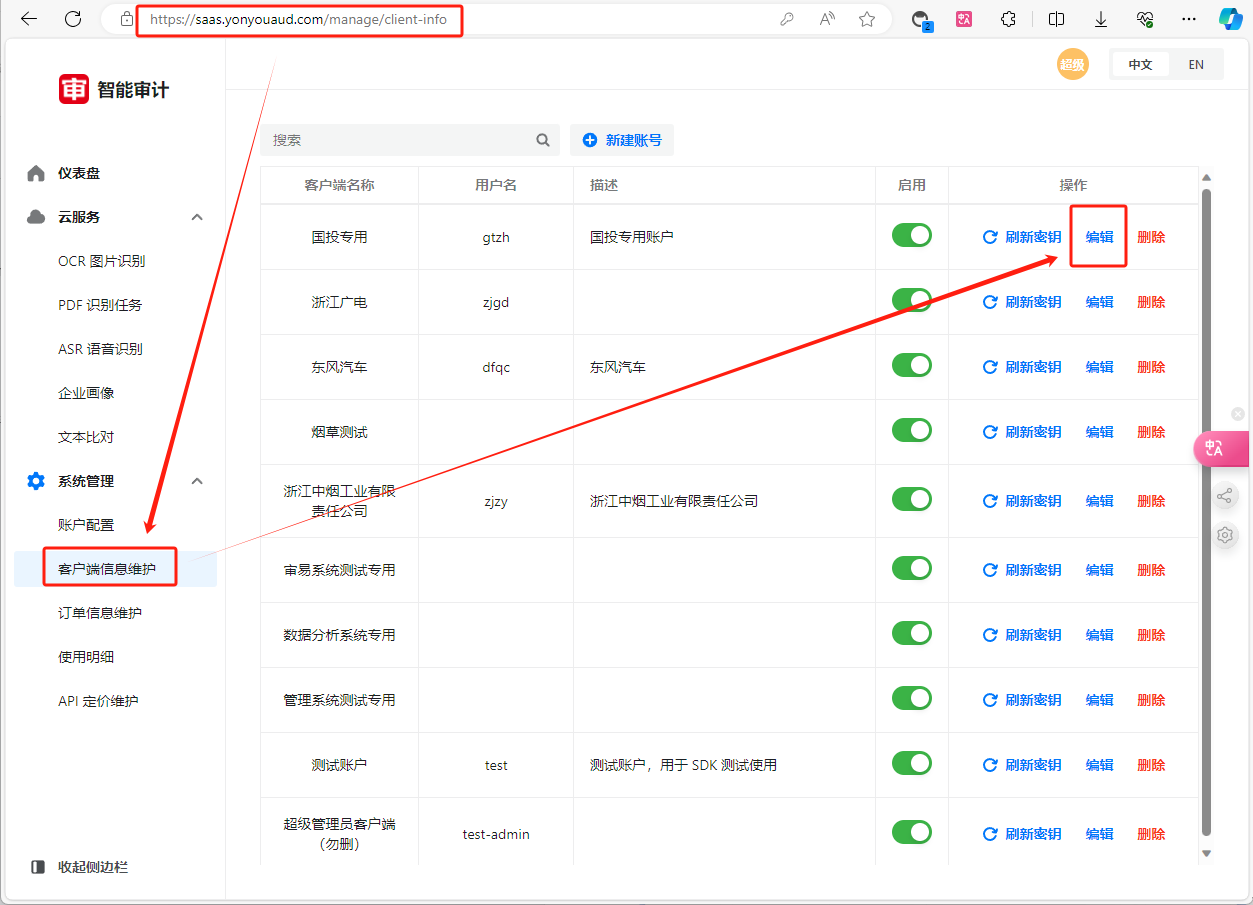
前端使用